I don’t use the built in source control plug in Visual Studio as I use GitKraken instead, so Visual Studio’s plug-in just sat in the background not doing much as far as I could see.
Then out-of-the-blue I got a notification that it was slowing down Visual Studio and I should turn it off if I don’t rely on it. Fair enough, I don’t use it, it can go.
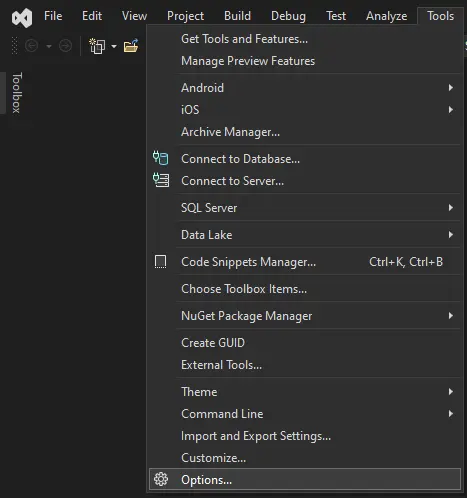
Open the Options dialog
Open the options dialog by going to the Tools→Options… menu item
Find the Source Control Plug in Section
Type Source Control Plug-in Selection in the search box and press enter
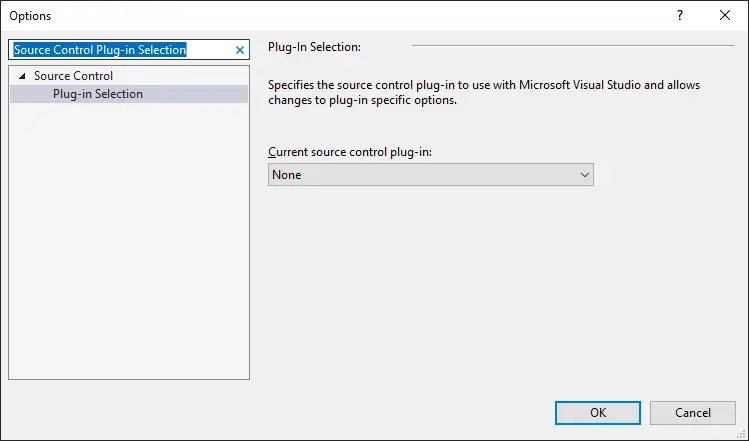
Change the drop down to None and then press OK.
If you have a solution open, it will likely tell you it has to close the solution.
That’s it!